



If you run a multilingual website, or plan to launch one, you’ve probably come across Weglot website translation as a potential solution. Weglot is a popular tool that automates the process of translating your site’s content, integrating with platforms like WordPress, Shopify, and Wix with minimal technical effort. For businesses trying to reach audiences who speak different languages, it promises a fast path to a translated website without rebuilding anything from scratch.
But automated translation tools come with trade-offs. At Languages Unlimited, we’ve worked with translation and interpretation across more than 200 languages since 1994, and we’ve seen firsthand how machine-generated content can miss the mark, especially in industries like healthcare, legal, and government where accuracy isn’t optional. That said, tools like Weglot absolutely have their place, and understanding what they do well (and where they fall short) helps you make a smarter decision for your website.
This guide breaks down Weglot’s setup process, core features, pricing tiers, and platform integrations so you can evaluate whether it fits your needs, or whether your content calls for a more hands-on translation approach. We’ll cover the practical details you need, without the sales pitch.
What Weglot website translation is and how it works
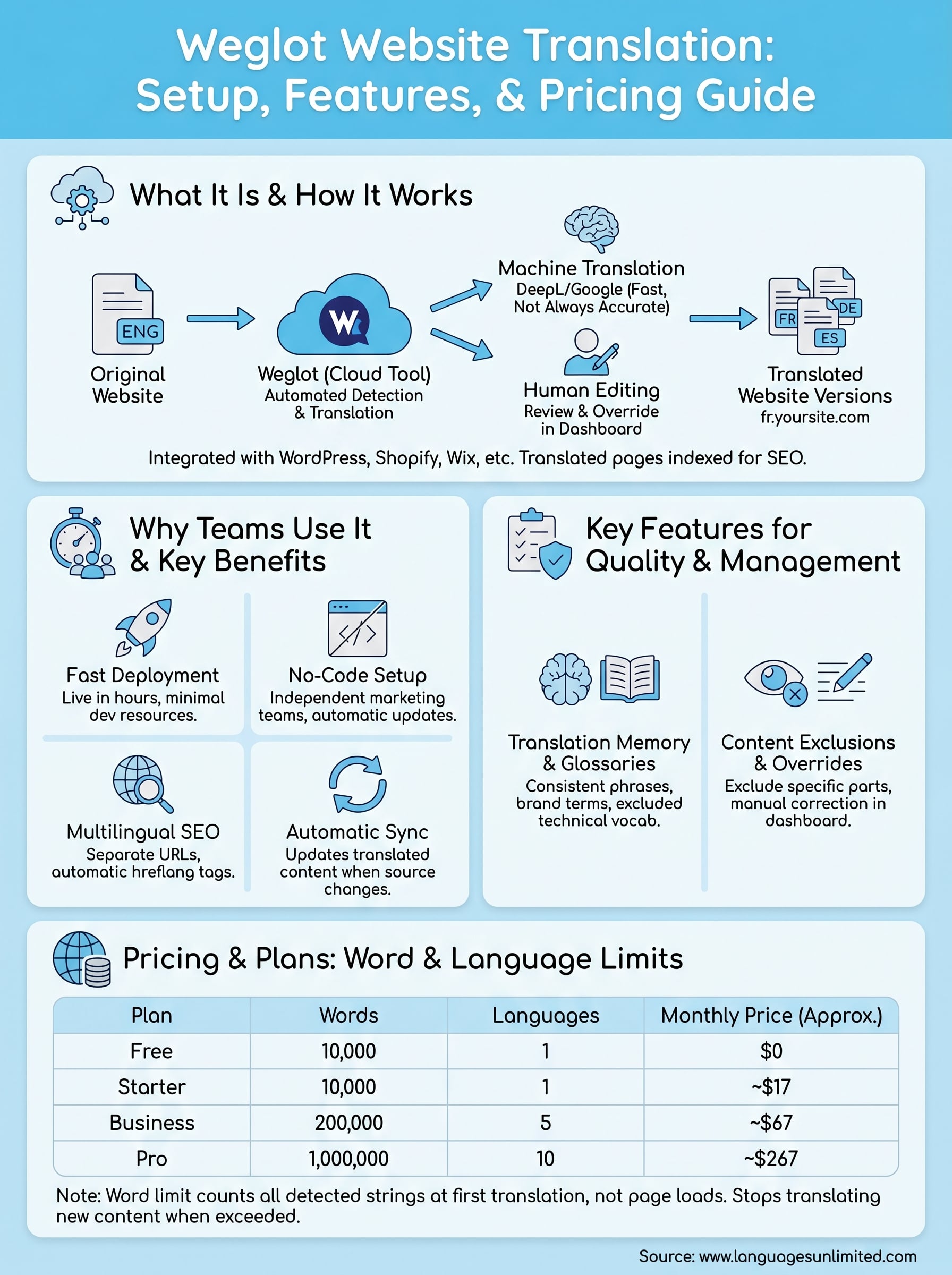
Weglot website translation is a cloud-based translation management tool that detects, translates, and displays your website’s content in multiple languages without requiring you to manually duplicate pages or rebuild your site structure. You install it once, and Weglot scans your existing content, runs it through machine translation engines (primarily DeepL and Google Translate), and delivers translated versions through subdomains or subdirectories. The translated pages are indexed by search engines separately, which means your multilingual content can rank in local search results for each target language.
How Weglot detects and translates your content
When you connect Weglot to your site, it crawls your pages automatically and identifies all translatable strings, including body text, navigation menus, image alt text, and metadata. You don’t need to tag or mark content manually. Weglot pulls those strings into its dashboard, applies machine translation, and then serves the translated version to visitors based on their browser language settings or a language switcher widget you place on your site.
Your translated pages live at URLs like
yoursite.com/frorfr.yoursite.com, which allows search engines to treat each language version as a distinct page with its own indexing potential.
The detection process runs in real time, so when you publish new content on your original site, Weglot picks it up and translates it automatically. You don’t have to manually update each language version every time you make a change.
The role of machine translation and human editing
Weglot’s default output comes from machine translation, which is fast but not always accurate, particularly for specialized content in fields like law, medicine, or government compliance. The platform does give you a translation editor where you can review and override any string. You or a translator can log into the dashboard and correct specific phrases without touching your site’s code. This hybrid approach works well for general marketing copy, but it places the quality burden on whoever reviews the content. If no one audits the translations, errors in the published text can create confusion or credibility problems with your audience.
Why teams use Weglot for multilingual sites
Teams that need to go multilingual quickly are drawn to Weglot because it removes the most time-consuming part of the process: manually setting up separate language versions of a site. Instead of rebuilding your content structure, you connect Weglot to your existing site and get translated pages live within hours. For small teams with limited development resources, that speed matters.
Fast deployment without a developer
Most traditional multilingual setups require a developer to configure routing, create new page templates, and manage URL structures for each language. With Weglot website translation, you can skip most of that. The integration is handled through a script tag or a platform plugin, and the language switcher deploys automatically. This lets marketing and content teams move independently without waiting on technical support for every update.
The biggest practical benefit is that when your source content changes, Weglot updates the translated versions automatically rather than requiring a manual sync.
SEO visibility across languages
Another reason teams choose Weglot is its built-in support for multilingual SEO. Each language version gets its own URL, and Weglot automatically adds hreflang tags, which signal to search engines like Google which language version to serve to which audience. Without hreflang tags, your translated pages risk competing with your original content in search results. Weglot handles this technical requirement out of the box, which saves you from configuring it manually.
How to set up Weglot on common platforms
Setting up Weglot website translation follows a consistent pattern across platforms: create an account, grab your API key from the Weglot dashboard, install the integration, and select your source and target languages. From there, Weglot handles content detection and translation automatically. The specifics vary slightly depending on which platform you’re using.
WordPress setup
On WordPress, you install the Weglot plugin directly from the plugin directory, activate it, and paste your API key into the settings page. You then choose which languages you want to support, and Weglot scans your existing content without any manual tagging required.
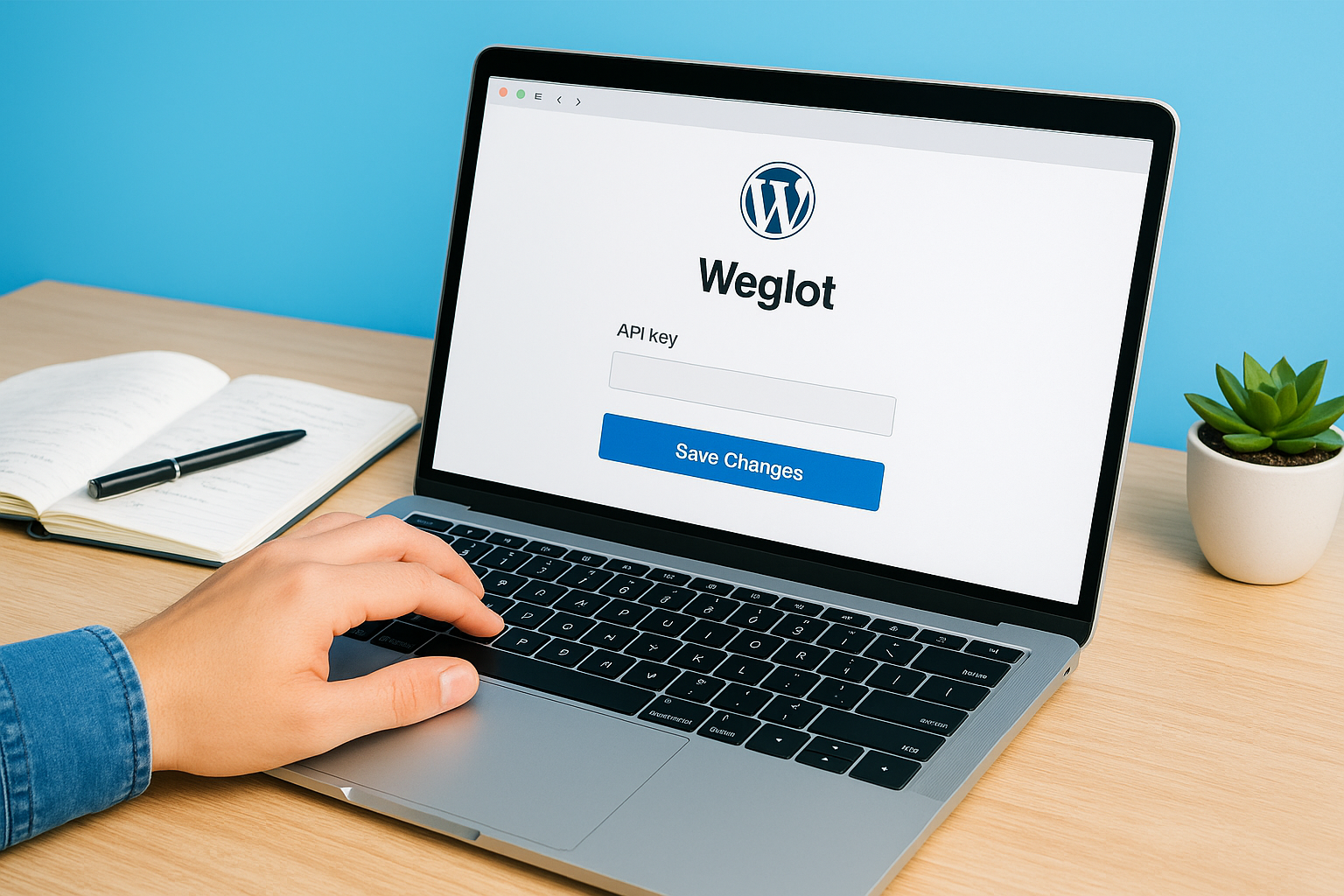
One detail worth knowing: Weglot picks up all translatable content on your pages, including navigation menus, image alt text, and page titles. This means your translated versions reflect your full site structure from day one, not just your body copy.
Shopify and Wix setup
Shopify users install Weglot through the Shopify App Store, connect their account with an API key, and select target languages. Weglot then detects product listings, collection pages, and checkout text and translates them right away. You can also reposition the language switcher widget inside your theme editor without touching any code.
On both Shopify and Wix, Weglot creates translated URLs and inserts hreflang tags automatically, so your multilingual pages are search-engine ready without extra configuration.
On Wix, the process runs through the Wix App Market. After you connect your account and set your languages, the language switcher appears as a draggable widget you can position anywhere on your pages using the standard editor.
Key features to know before you launch
Before you go live with Weglot website translation, it helps to understand which built-in tools actually affect translation quality and day-to-day management. A few features stand out as particularly useful once you move past initial setup and start handling real content at scale.
Translation memory and custom glossaries
Weglot stores every translated string in a translation memory, which means repeated phrases across your site get translated consistently without being processed again. This matters most for sites with shared content blocks like headers, footers, or product descriptions that appear on multiple pages. You define a glossary of terms, brand names, or technical vocabulary that Weglot should never alter, and those strings stay exactly as you specify them across every language.
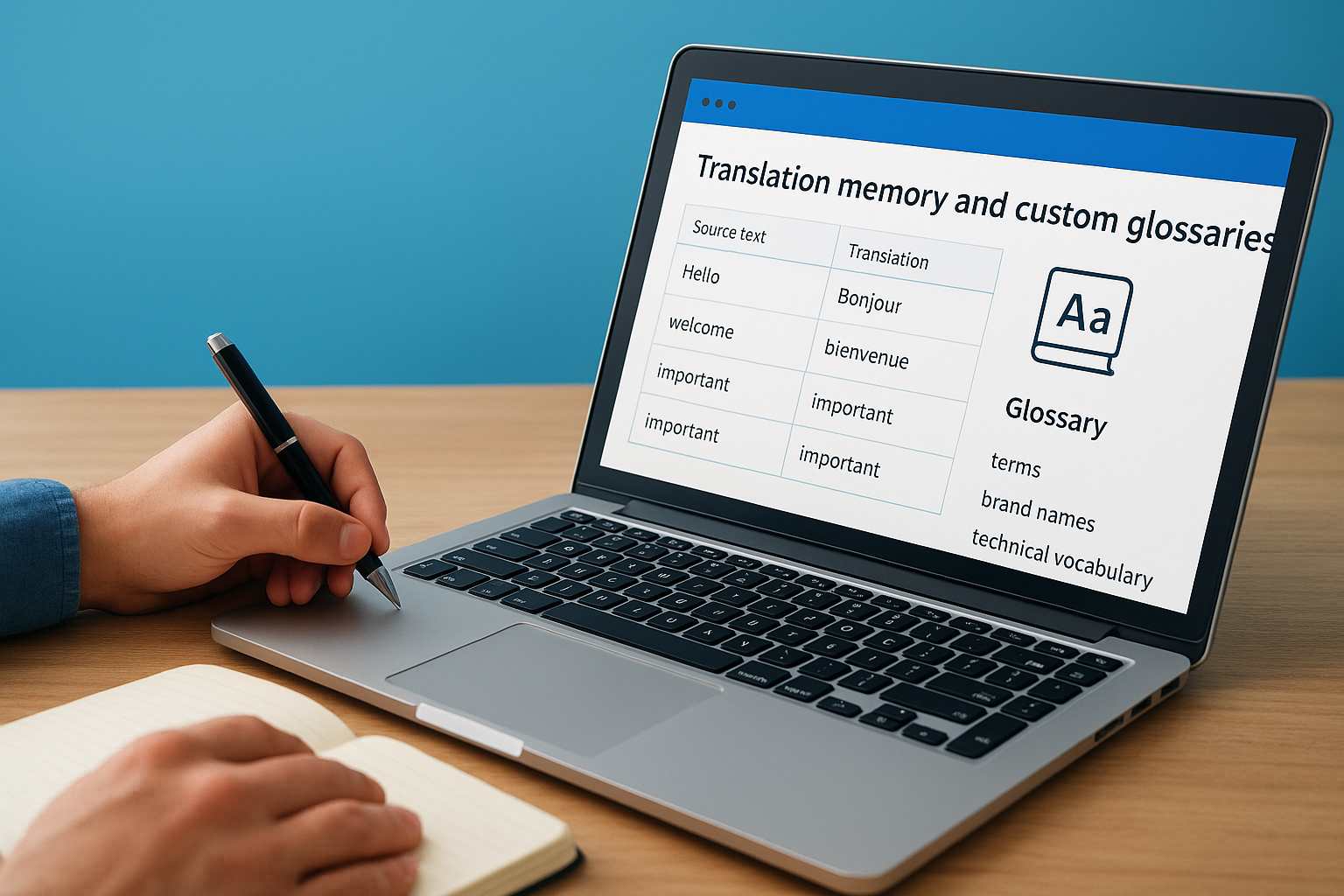
If your site uses industry-specific terminology, setting up your glossary before your first full translation run saves you significant cleanup time afterward.
Content exclusions and manual overrides
Not every element on your site should be translated. Weglot lets you exclude specific URLs, CSS selectors, or individual strings from translation, which is useful for proper nouns, product codes, or branded content that should remain in your original language. You can also manually override any machine-translated string directly in the Weglot dashboard without editing your site’s code or theme files.
These two features, exclusions and overrides, are where you do the most work to lift translation quality from acceptable to accurate. Budget time for this review step, especially for any legally or medically sensitive content on your site.
Pricing, plans, and word limits explained
Weglot bases its pricing on two factors: the number of words translated and the number of target languages you need. The free plan gives you 10,000 translated words and supports one additional language, which is enough to test the tool but not to run a full production site. Paid plans start at roughly $17 per month and scale up to several hundred dollars per month depending on your word volume and language count.
Plans and what they include
Each plan tier unlocks more translated words and additional target languages. Here’s a quick breakdown of the main tiers:
| Plan | Words | Languages | Monthly Price (approx.) |
|---|---|---|---|
| Free | 10,000 | 1 | $0 |
| Starter | 10,000 | 1 | ~$17 |
| Business | 200,000 | 5 | ~$67 |
| Pro | 1,000,000 | 10 | ~$267 |
Weglot counts words at the point of first translation, not on every page load, so updating a page with unchanged text does not consume additional quota.
Word count limits and what happens when you hit them
Running a weglot website translation on a larger site fills your word count faster than you might expect because Weglot counts all detected strings, including navigation items, metadata, and image alt text. When you exceed your plan’s word limit, Weglot stops translating new content until you upgrade your plan. Your already-translated pages stay live, but any new text you publish will not appear in translated versions until you move to a higher tier.
Next steps
Weglot website translation works well for teams that need a fast, low-maintenance path to a multilingual site. If your content is primarily marketing copy and your audience spans multiple languages, Weglot gives you a solid starting point with minimal setup time. Use the free plan to test coverage on your actual site before committing to a paid tier, and set up your glossary and exclusions before your first full translation run.
Where Weglot reaches its limits is with specialized content in legal, medical, or government contexts, where machine translation errors carry real consequences. For those situations, professional human translators who understand your industry and audience produce far more reliable results. Accuracy in those fields is not something you want to leave to an algorithm and hope someone catches the mistakes later.
If your content demands that level of precision, contact our translation team to discuss what a professional solution looks like for your specific needs.