



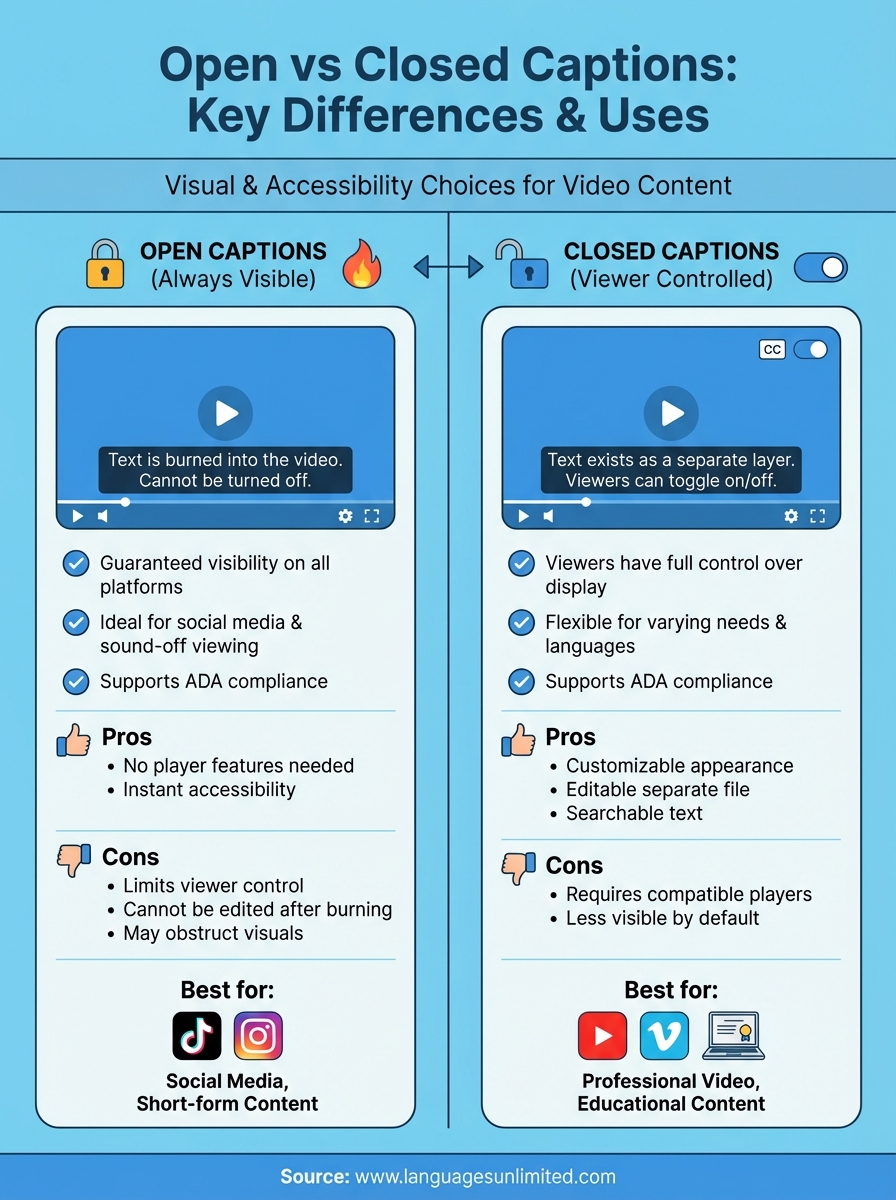
Open vs closed captions both display text on screen during video playback. The key difference is simple. Open captions are always visible and burned directly into the video. You cannot turn them off. Closed captions exist as a separate layer that viewers can toggle on or off based on their preferences. Both serve the same purpose of making video content accessible, but they work in fundamentally different ways.
Understanding which caption type to use matters for your content strategy. This guide breaks down everything you need to know about open and closed captions. You’ll learn the core differences between them, discover the pros and cons of each approach, and see real examples of when to use one over the other. Whether you’re creating content for social media, producing training videos, or ensuring ADA compliance for your organization, you’ll walk away knowing exactly which caption format fits your needs. The right choice depends on your platform, audience, and accessibility goals.
Why open vs closed captions matter
Your caption choice directly affects who can access your content and how viewers engage with it. The decision between open vs closed captions impacts everything from legal compliance to user experience. Get it wrong, and you risk losing audience members or facing accessibility complaints.
Accessibility requirements
Federal law requires captions for most public-facing video content. The Americans with Disabilities Act (ADA) mandates that organizations provide equal access to people with hearing disabilities. Closed captions give viewers control, while open captions guarantee visibility on platforms that don’t support caption toggles. Both formats satisfy accessibility requirements, but your platform determines which option works best.
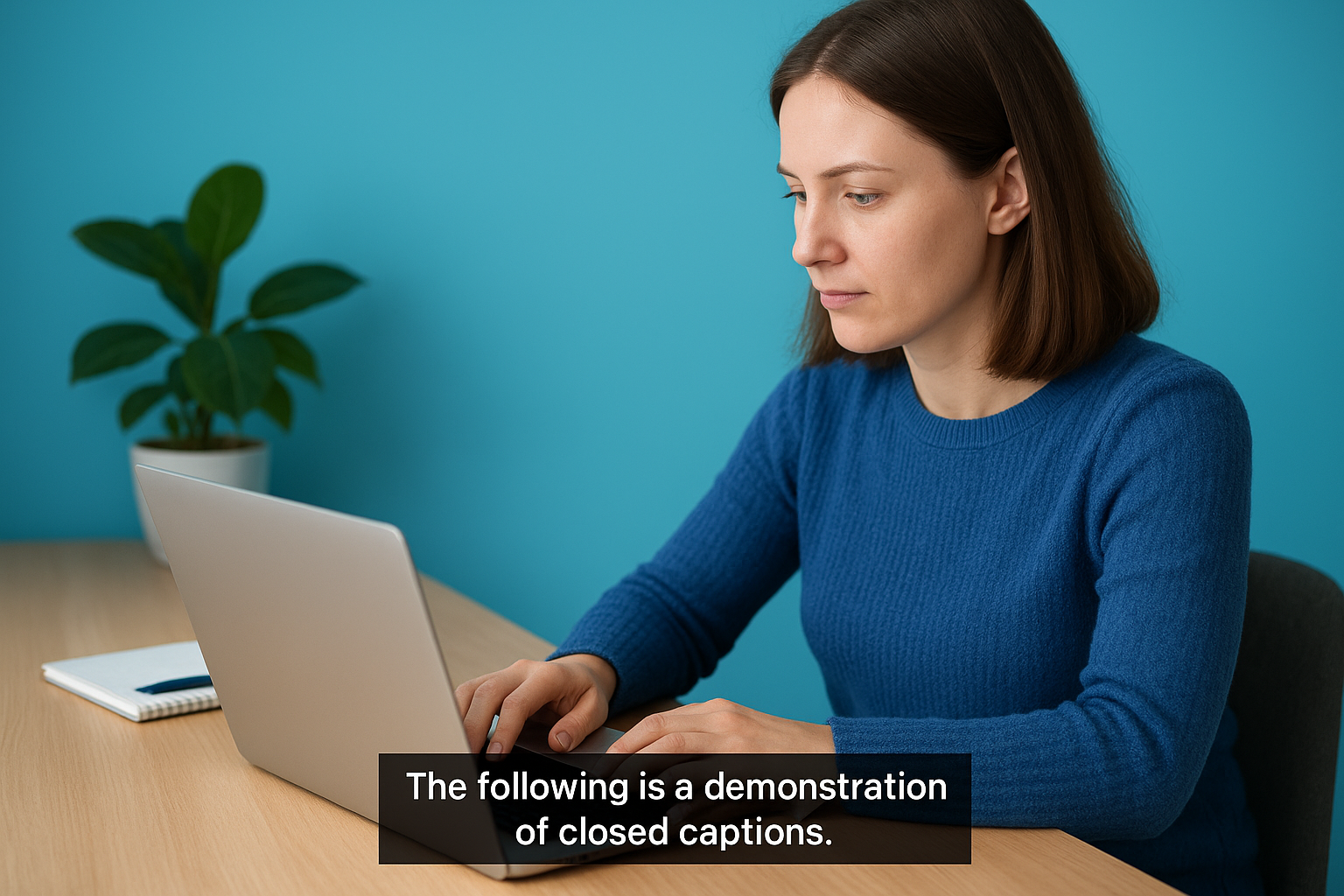
Choosing the right caption type ensures you meet legal standards while serving your audience effectively.
Viewer preferences and engagement
Different viewers need different solutions. Someone watching videos on mute in a coffee shop benefits from always-visible open captions. Another viewer might find captions distracting and prefer the option to turn them off. Your content platform and audience behavior should guide your decision between permanent and toggleable text.
How to choose between open and closed captions
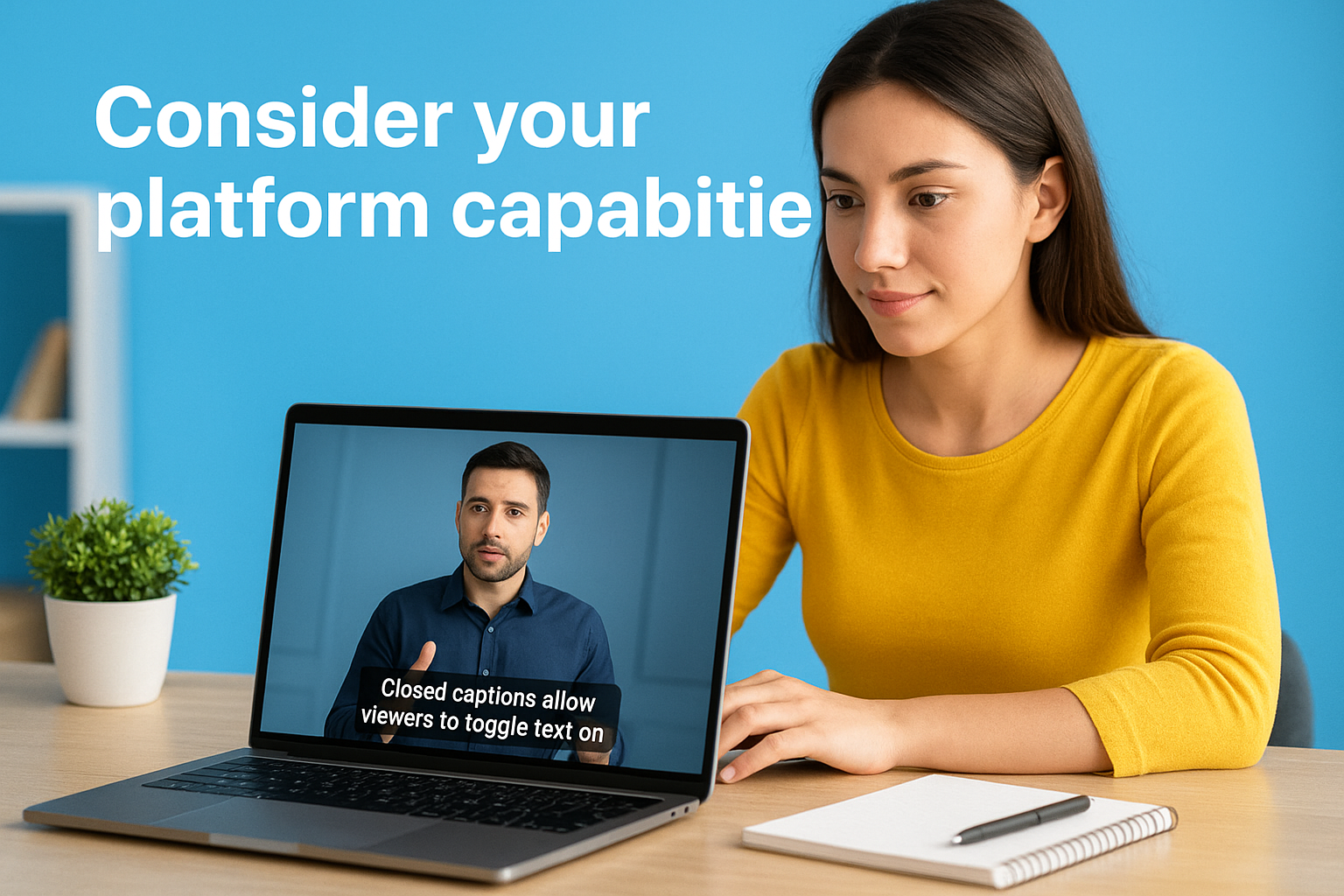
Your platform capabilities and audience needs drive the decision between open vs closed captions. Start by evaluating where your video will live and who will watch it. Social media platforms like Instagram Stories don’t support closed captions, making open captions your only option. Meanwhile, YouTube and Vimeo handle closed captions seamlessly, giving viewers the choice to toggle text on or off.
Consider your platform capabilities
Check whether your video hosting platform supports caption files before making a decision. YouTube, Vimeo, and Facebook allow you to upload SRT or WebVTT files as closed captions. Instagram Reels and TikTok require open captions burned directly into your video. Streaming services and video players vary widely in their caption support, so verify compatibility before production begins.
Evaluate your audience needs
Think about how your viewers consume content. People watching videos on mute in public spaces need visible captions immediately. Viewers who speak your video’s language fluently might prefer the option to hide text. Accessibility requirements mandate that you provide captions, but the format depends on your delivery method and viewer preferences.
Your audience’s viewing environment and accessibility needs should guide your caption format choice.
Assess your content lifespan
Short-form social content benefits from permanent open captions that grab attention instantly. Long-form educational or training videos work better with closed captions that viewers control. Consider whether you’ll repurpose your content across multiple platforms, which might require both caption types.
Key differences between open and closed captions
The distinction between open vs closed captions comes down to three core factors: viewer control, technical implementation, and platform compatibility. Open captions remain permanently visible as part of the video file itself. Closed captions exist as a separate text layer that viewers activate or deactivate through their player settings. These fundamental differences affect every aspect of how you create, deliver, and optimize your video content for accessibility.
Visibility control
Open captions stay on screen at all times because editors burn them directly into the video during production. Viewers see the text whether they want it or not. Closed captions give viewers complete control over display settings. People can turn captions on when they need them and off when they don’t. This flexibility makes closed captions ideal for audiences with varying language skills and accessibility needs.
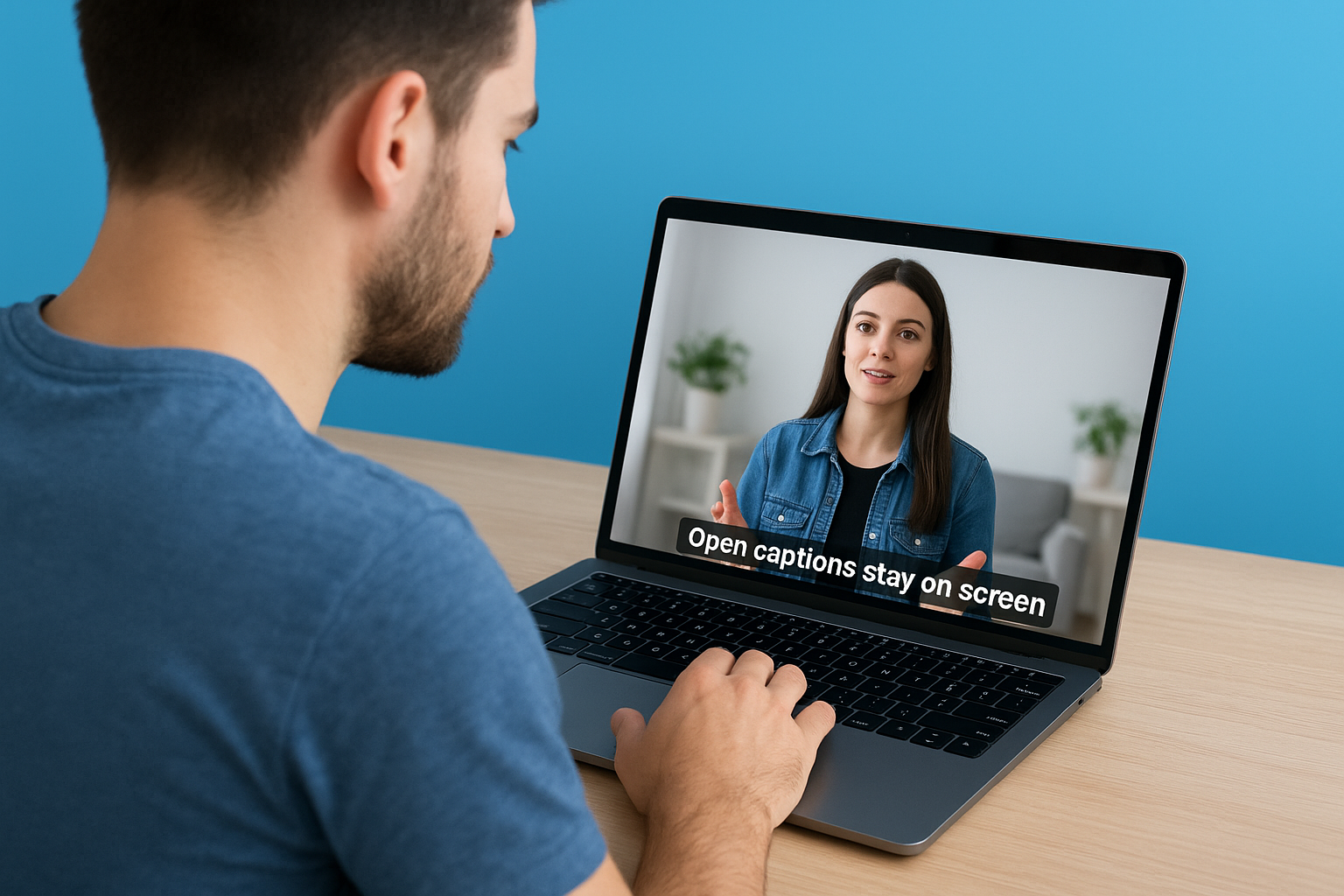
Viewer control separates closed captions from their always-visible open caption counterparts.
Technical implementation
You create open captions using video editing software that embeds text directly onto video frames. The captions become a permanent part of the visual content. Closed captions require separate caption files in formats like SRT, WebVTT, or SCC that sync with your video during playback. Video players read these files and display the text accordingly.
Platform compatibility
Social media platforms with limited caption support require open captions for guaranteed visibility. Instagram Stories, TikTok, and similar platforms work this way. Closed captions function on platforms with dedicated caption support like YouTube, Vimeo, and professional streaming services that accept caption file uploads.
Pros and cons of each caption type
Each caption format brings specific advantages and drawbacks that affect your production workflow and viewer experience. Understanding these trade-offs helps you make informed decisions about which approach serves your content best. The right choice depends on your technical capabilities, platform requirements, and audience preferences.
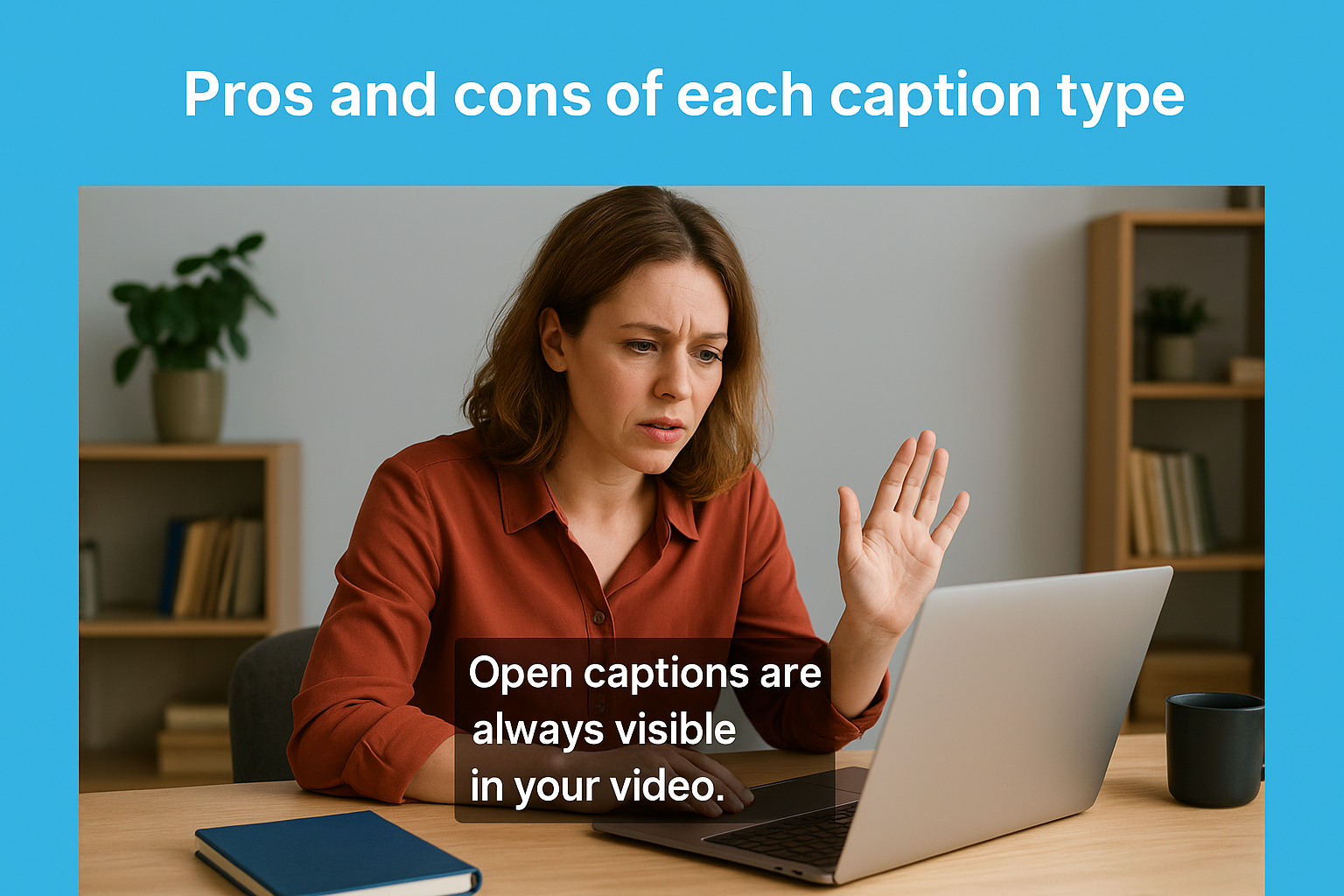
Open caption advantages and limitations
Open captions guarantee visibility across all platforms without requiring special player features or viewer action. Your text appears automatically, making your content accessible the moment someone presses play. This approach works perfectly for social media content where viewers often watch without sound. Open captions also prevent the frustration of viewers who cannot find caption settings in unfamiliar players.
However, open captions restrict viewer choice and create production challenges. You cannot adjust caption appearance after burning text into your video, requiring complete re-encoding for any changes. Viewers who find captions distracting have no option to remove them. The permanent text may also obstruct important visual elements in your footage.
Closed caption advantages and limitations
Closed captions offer maximum flexibility for both creators and viewers. You can update caption text without re-rendering your entire video by simply uploading a new caption file. Viewers customize font size, color, and background to match their preferences and accessibility needs. Search engines can index closed caption text, improving your content’s discoverability.
Closed captions provide the flexibility viewers need while keeping your video file clean and editable.
The drawback is platform dependency. Closed captions require compatible video players that support caption file formats. Some viewers may not know how to activate captions, reducing the accessibility benefit you intended to provide.
Common use cases and examples
Real-world scenarios show how open vs closed captions serve different content needs and platforms. Understanding these use cases helps you choose the right format for your specific situation.
Social media and short-form content
Social platforms favor open captions because they autoplay videos without sound. TikTok creators burn captions directly into their videos to capture attention immediately. Instagram Reels and Stories require the same approach since these platforms lack built-in closed caption support. Your 15-second promotional video performs better with permanent text that viewers see instantly without adjusting settings.
Open captions dominate social media because they guarantee immediate visibility in sound-off environments.
Professional and educational settings
YouTube tutorials and online courses work best with closed captions that learners control. Employees watching training videos appreciate the option to hide captions once they understand the material. Professional webinar recordings hosted on platforms like Vimeo benefit from closed captions that viewers activate based on their language proficiency or hearing needs. Movie theaters offering open caption screenings schedule specific showtimes where captions appear for everyone, while standard screenings provide closed caption devices for individual viewers who request them.
Final thoughts
Your caption choice between open vs closed captions ultimately depends on your platform, audience, and content goals. Open captions guarantee visibility on any platform but limit viewer control, while closed captions offer flexibility for viewers who want to customize or hide text. Neither option is universally better than the other. You need to match your caption format to your specific use case.
Consider your distribution channels and accessibility requirements when making this decision. Social media content often demands open captions for immediate impact. Professional videos benefit from closed captions that give viewers control. Many organizations use both formats to maximize reach across different platforms.
Need professional captioning services that meet accessibility standards? Languages Unlimited provides expert captioning solutions for any format or platform. Contact our team to discuss your specific captioning needs and ensure your content reaches every viewer.