



If you create subtitles or closed captions for Netflix content, you need to follow the Netflix Timed Text Style Guide, a detailed set of rules that governs how text appears on screen, how it’s timed, and how it’s formatted across every supported language. Netflix doesn’t leave much room for interpretation. Their standards are specific, technical, and strictly enforced during quality checks.
This guide exists because consistent subtitle quality matters at scale. With content streaming in over 190 countries and dozens of languages, Netflix needs every vendor, translator, and captioner working from the same playbook. That means precise rules for reading speed, line treatment, positioning, timing, and more.
At Languages Unlimited, captioning and subtitling are core parts of what we do. Since 1994, we’ve provided professional language services, including translation, transcription, and accessibility solutions like CART, Section 508–compliant captioning, and subtitle production, for clients across healthcare, legal, government, and media. We understand what it takes to meet strict technical specifications while preserving meaning and readability.
This article breaks down the key requirements, formatting rules, and timing standards outlined in the Netflix Timed Text Style Guide so you know exactly what’s expected, whether you’re a subtitler, a vendor, or an organization producing multilingual content.
Why the Netflix timed text style guide matters
Netflix operates at a scale that makes inconsistency extremely costly. Every subtitle file you submit goes through automated and manual quality control, and files that don’t meet the spec get rejected outright. The Netflix Timed Text Style Guide exists to eliminate guesswork from that process, giving every subtitler, vendor, and localization team a clear, enforceable standard to work from.
The cost of non-compliance
When your file doesn’t meet Netflix’s requirements, it doesn’t just get flagged. It gets sent back, and that delays the release schedule. Netflix works with tight delivery windows, and a single rejection can push back a title’s launch date in a given territory. If you’re a vendor or freelancer, repeated rejections damage your standing with the platform and with clients who rely on you to deliver clean, ready-to-use files. Following the guide closely isn’t optional. It’s the baseline expectation before anything else gets evaluated.
A rejected subtitle file doesn’t just create extra work. It creates downstream delays that affect localization teams, schedulers, and viewers waiting for content in their language.
Why consistency across languages matters
Netflix distributes content in over 190 countries, which means a single title might require subtitles in 30 or more languages. Without a unified standard, you’d end up with wildly different reading speeds, timing gaps, and formatting choices depending on who produced each file. The Timed Text Style Guide brings every language into alignment by setting universal rules that individual language-specific guidelines then build on top of. That consistency protects the viewer experience regardless of what language someone watches in, which is the core reason Netflix enforces these rules with such precision.
What Netflix requires in timed text files
Netflix mandates specific file formats and technical metadata before your subtitles even enter quality review. The Netflix Timed Text Style Guide covers everything from accepted file types to frame rate matching, and your submission needs to meet all of them simultaneously.
Accepted file formats and technical specs
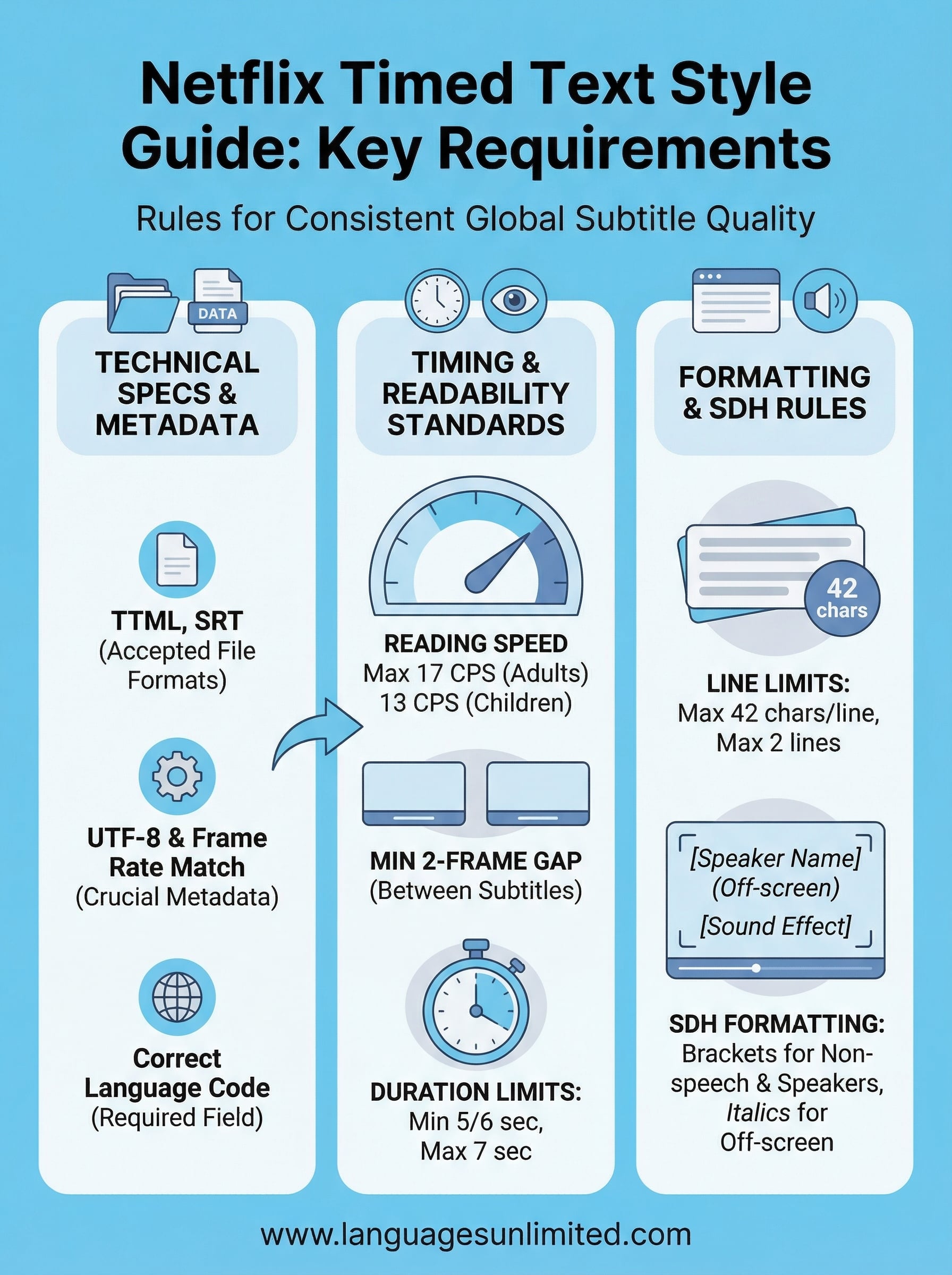
TTML (Timed Text Markup Language) is Netflix’s primary accepted format for most content, along with SRT for certain workflows. Your file must include the correct language code, frame rate, and character encoding (UTF-8) to pass initial validation. If any of these metadata fields are missing or incorrect, the platform rejects the file before a human reviewer ever sees it.
Always confirm the exact frame rate of the source video before you build your subtitle file. A mismatch here is one of the most common causes of automatic rejection.
Language-specific requirements
Each language has its own supplementary style guide that sits on top of the universal technical requirements. These language-specific documents cover character limits per line, reading speed thresholds, and punctuation conventions that vary by region. You need to review both the master guide and the relevant language document before you submit anything to the platform.
Subtitle timing rules and readability standards
Timing is where most subtitle files fail review. The netflix timed text style guide sets hard limits on how fast text can appear on screen and how long each subtitle must stay visible. Get this wrong, and viewers either can’t read the text in time or stare at a blank screen longer than they should.
Reading speed and duration limits
Netflix measures reading speed in characters per second (CPS), and the limit varies by language. For most languages, the maximum is 17 CPS for adults and 13 CPS for children’s content. Your minimum subtitle duration is typically 5/6 of a second, and your maximum is 7 seconds. Subtitles that exceed these thresholds get flagged automatically.
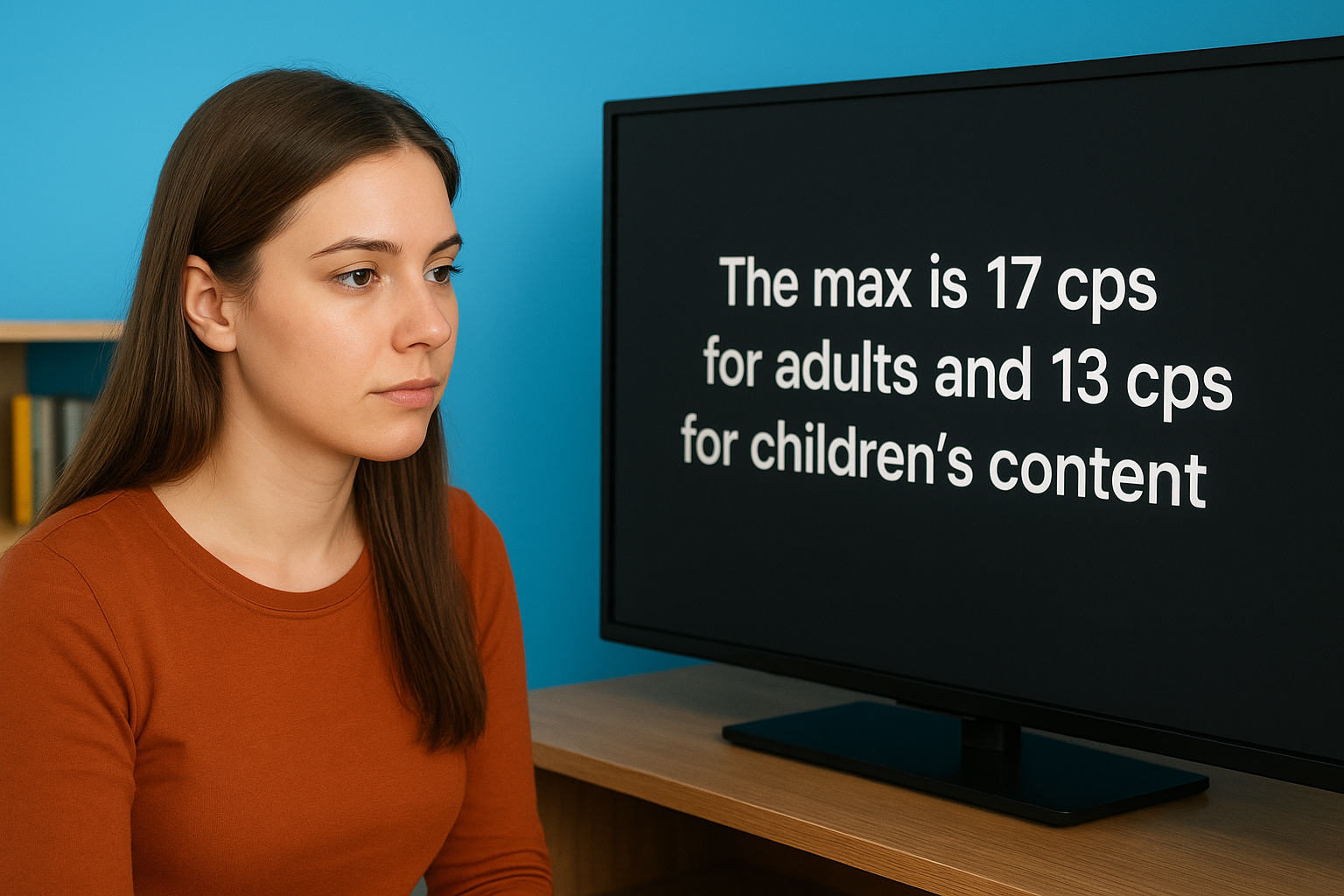
If your subtitle runs over the CPS limit, the fix is usually splitting the line, not speeding up the timing.
Gap requirements between subtitles
Netflix requires a minimum gap of 2 frames between consecutive subtitles. This gap prevents subtitles from appearing to "flash" or blur together on screen, which disrupts the viewing experience. You need to build this gap into your workflow from the start, not patch it in after the fact. Ignoring the frame gap rule is a common reason files bounce back during quality review.
Formatting and style rules for subtitles and SDH
The netflix timed text style guide doesn’t just govern timing. It sets firm rules for how text looks on screen, including line breaks, character limits, and italics usage, and these rules apply to both standard subtitles and SDH (Subtitles for the Deaf and Hard of Hearing) files.
Line treatment and character limits
Your lines should break at natural linguistic boundaries, meaning you split between clauses, not mid-phrase. Netflix generally caps each line at 42 characters, and subtitles should use a maximum of two lines. Breaking a line mid-thought forces viewers to mentally reassemble the sentence while the scene continues, which hurts comprehension.
When you’re forced to choose between a clean line break and hitting a character limit, prioritize the break that reads naturally.
SDH-specific formatting rules
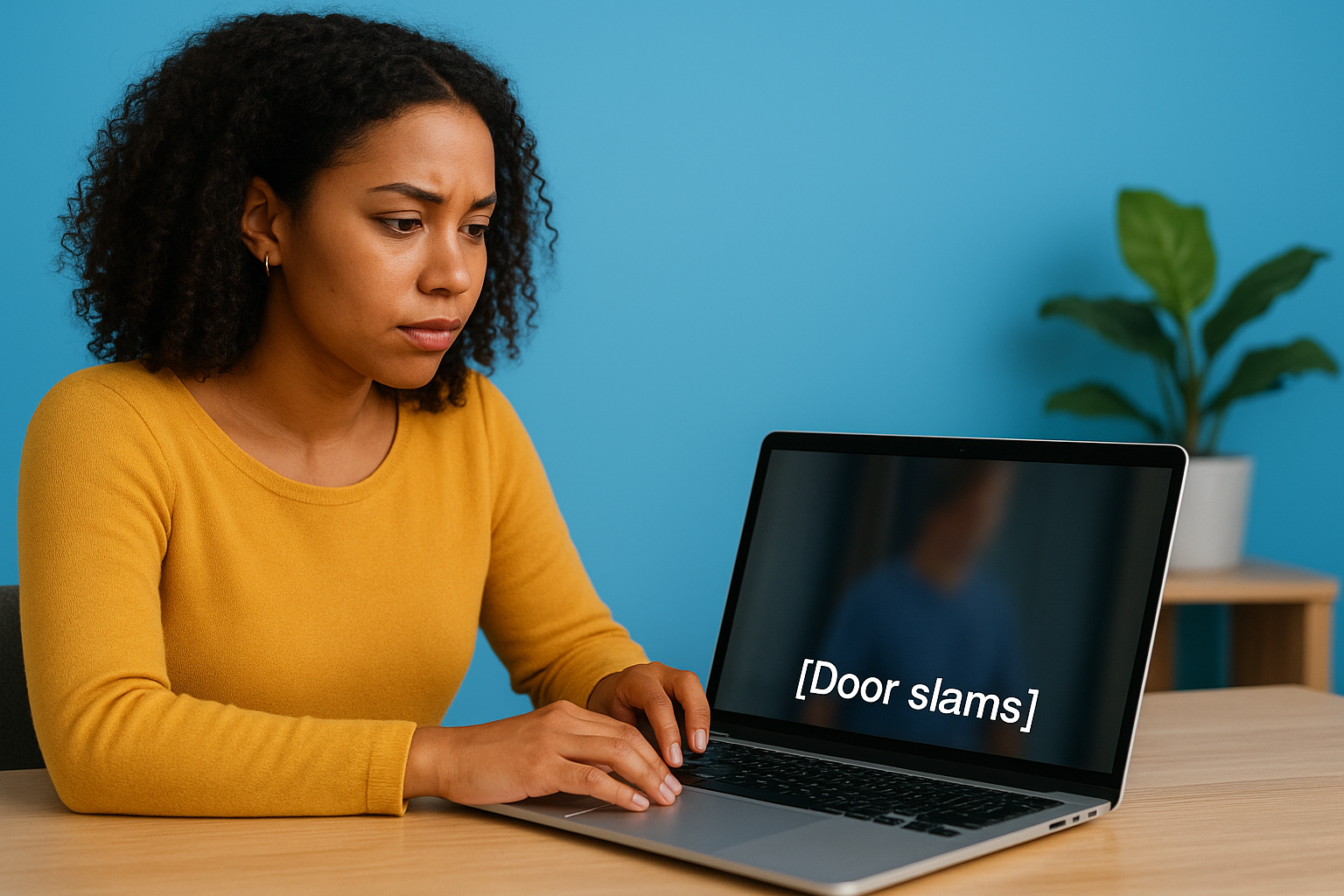
SDH files carry additional information that standard subtitles don’t, including speaker labels, sound descriptions, and music cues. Netflix requires speaker identification in brackets when the speaker isn’t visible on screen. Sound effects and non-speech audio should also appear in brackets using title case, for example: [Door slams]. You should never use all caps for emphasis in SDH files. Italics remain the approved method for indicating off-screen or stylistically emphasized speech across both subtitle types.
How to deliver Netflix-ready subtitles without rejections
Submitting clean files starts before you open your subtitle editor. The netflix timed text style guide outlines every technical requirement you need to build into your process from the start. If you treat the spec as a post-production checklist rather than a working reference, you’ll spend more time fixing errors than you would have spent avoiding them.
Build your workflow around the spec from the start
Your subtitle workflow should include reading speed checks and line length validation as standard steps, not optional reviews. Set your editing software to flag CPS violations and character limit breaches in real time. Building these checks into the early stages of production means you catch problems while they’re still easy to fix.
Fixing a timing error after spotting it mid-file takes seconds. Fixing it after a rejection costs you hours and damages your delivery timeline.
Validate your file format before you send it
Before submission, confirm your file format, language code, and frame rate all match the source video exactly. Run the file through a trusted internal QA pass to catch metadata errors that automated systems reject on first contact. Also verify that your timecodes and character encoding are correct, since a single mismatch can trigger an automatic rejection even when your subtitle content is completely clean.
Final checks before you submit
Before you send your file, run through your core technical requirements one more time. Confirm your frame rate matches the source, your language code is correct, and your character encoding is UTF-8. Check that every subtitle respects the CPS limit and that no two consecutive subtitles violate the 2-frame gap rule. These are the exact failure points the netflix timed text style guide flags most often during automated review, and catching them now saves you significant time.
Your SDH files need a separate pass. Verify that speaker labels and sound descriptions follow the bracket format, and that you haven’t used all caps anywhere in the file. A clean final review typically takes about 15 minutes and saves you days of rework after a rejection.
Professional captioning and subtitling services that consistently meet platform-level specifications are exactly what Languages Unlimited delivers. Contact our team to discuss your project and get files that pass review the first time.